Crystallyne Logo

Home

About  Us

QuickQuote

FAQ

Tutorials

Updates

Contact Us

QuickQuote Logo

Easy to Use


Point-And-Click
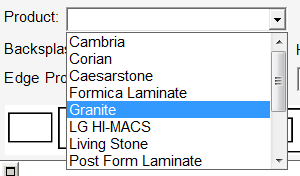
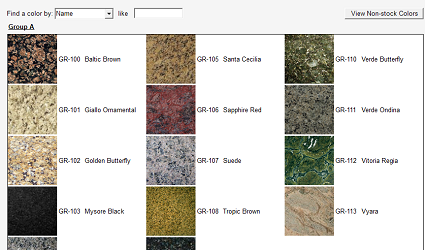
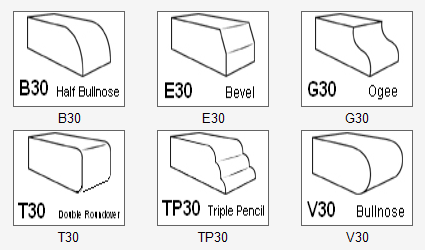
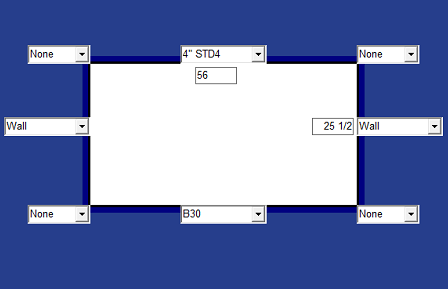
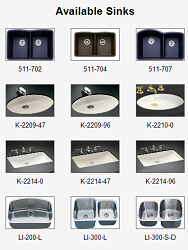
QuickQuote keeps things simple by allowing the user to click their way through the estimate rather than type in item codes, descriptions, and/or prices.  Options are selected from drop down lists and pictures, dimensions are entered directly on shapes, and quantities are tallied automatically, creating a fast, straight-forward system that requires little time to learn.

Automated Drawings
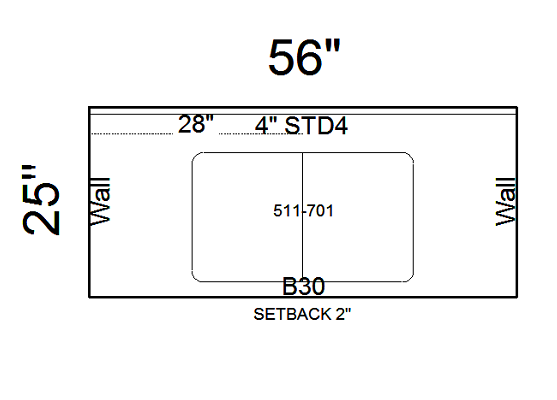
There is no line drawing, arc-making, or point plotting in QuickQuote.  Instead, select a shape and enter your dimensions right on the sides.  Refine the shape with radiuses and miters you can select from drop downs.  Create advanced details like sinks, cutouts, arcs and more using a simple toolbar.   Once you've made your selections, QuickQuote will automatically draw the shape for you as it prices it.

Once all shapes are priced, you'll have a shop-quality drawing complete with dimensions and details such as edge and splash locations that can be printed or exported. 

Disciplined Pricing
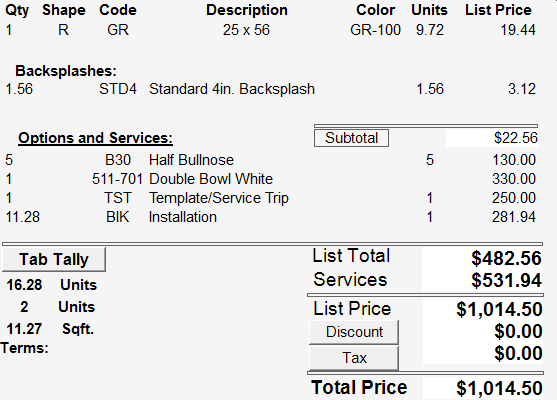
Did you forget to charge for that undermount? QuickQuote displays the drawing and pricing together to help avoid careless mistakes

New customer service reps and sales staff are quickly brought into the fold when they don't have to constantly ask questions like, "do we charge for that?"

Quantities for complex items like edging and splashes are tallied automatically to prevent mathematical errors.


Got a quick question? Try the FAQ

How to Purchase


Click Any Image to See a Full-Size Version

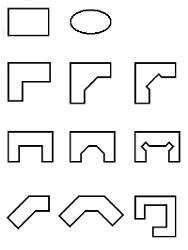
Click to see some of the other shapes available.

www.crystallyneonline.com

Terms of Use | Privacy Policy

  Home

About Us QuickQuote  FAQ Support Updates Contact Us

 Copyright ©  Crystallyne Enterprises 2008. All Rights Reserved.